Night edits go wrong in a predictable way: the streetlights are orange, the shadows turn muddy, and a preset that looked great on a neon sign makes skin look green under a shop lamp. Most of the time the cause is simple. The preset was made for a different kind of light.
These days I mostly use Neon Grunge at night, and sometimes the CineStill 800T. Below is how I'd match the presets in my shop to the light you actually shot in. They're all digital looks inspired by film, so expect to touch exposure and white balance afterwards.
Warm light or cool light?
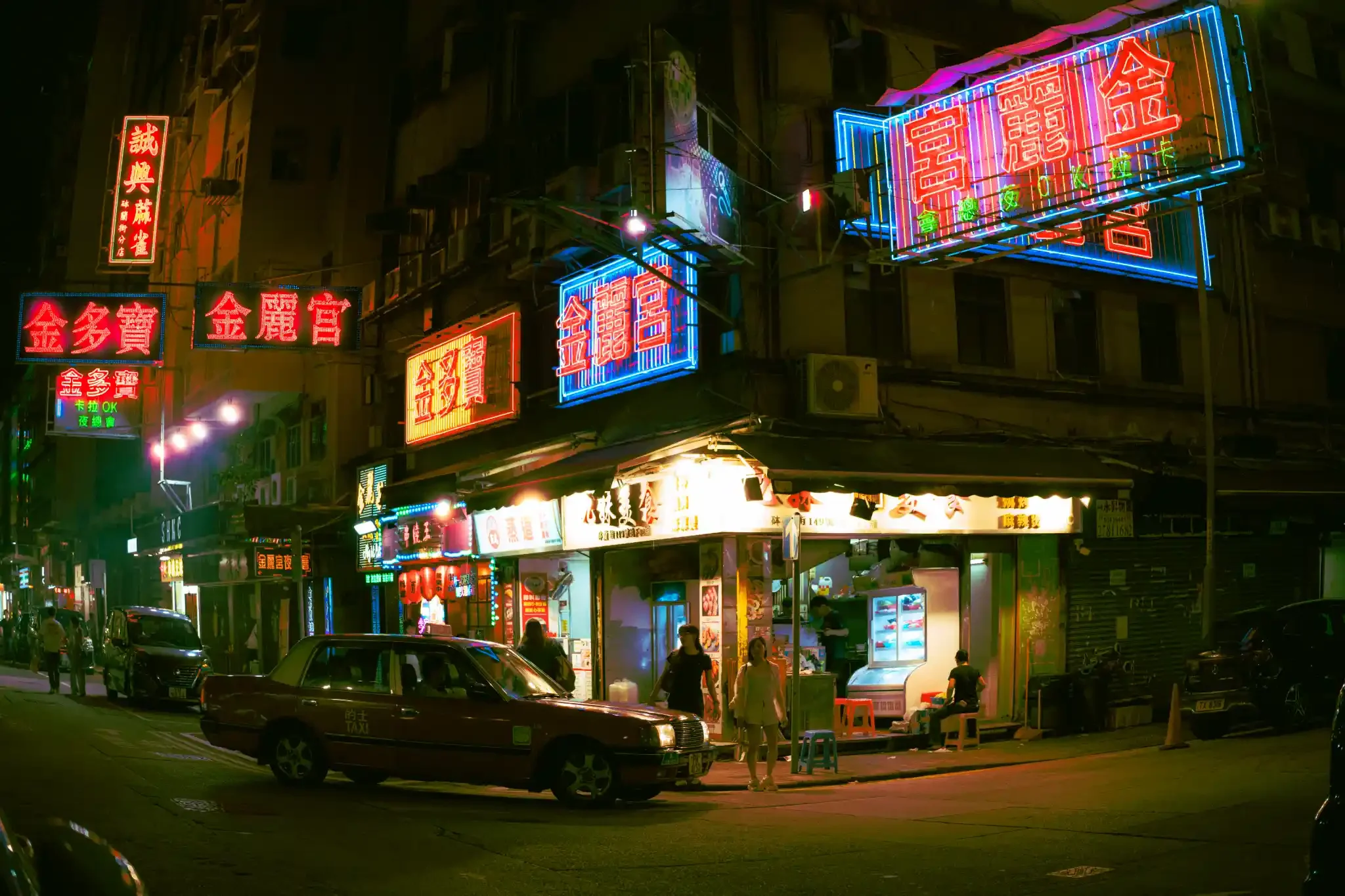
Before you pick a look, ask what's lighting the scene. Sodium streetlights, tungsten shop interiors and a camera flash are warm. Blue hour, shade and mixed neon are cool. A grade built for one tends to fall apart on the other, because the orange swallows the greens and blues the preset depends on. If a preset comes in a warm and a cool version, that choice matters more than the style.
Neon and rain: CineStill 800T
The look most people want for wet streets and neon is cool shadows, warm lights and a red glow around anything bright. That's the CineStill 800T look, and it's what the 800T preset in the CineStill Pack is built around. The pack also has the Halation Brush, which lets you paint the glow onto signs, lamps and headlights. I explain how it all works in my CineStill 800T Lightroom preset guide.
Orange streetlights and flash: Neon Grunge
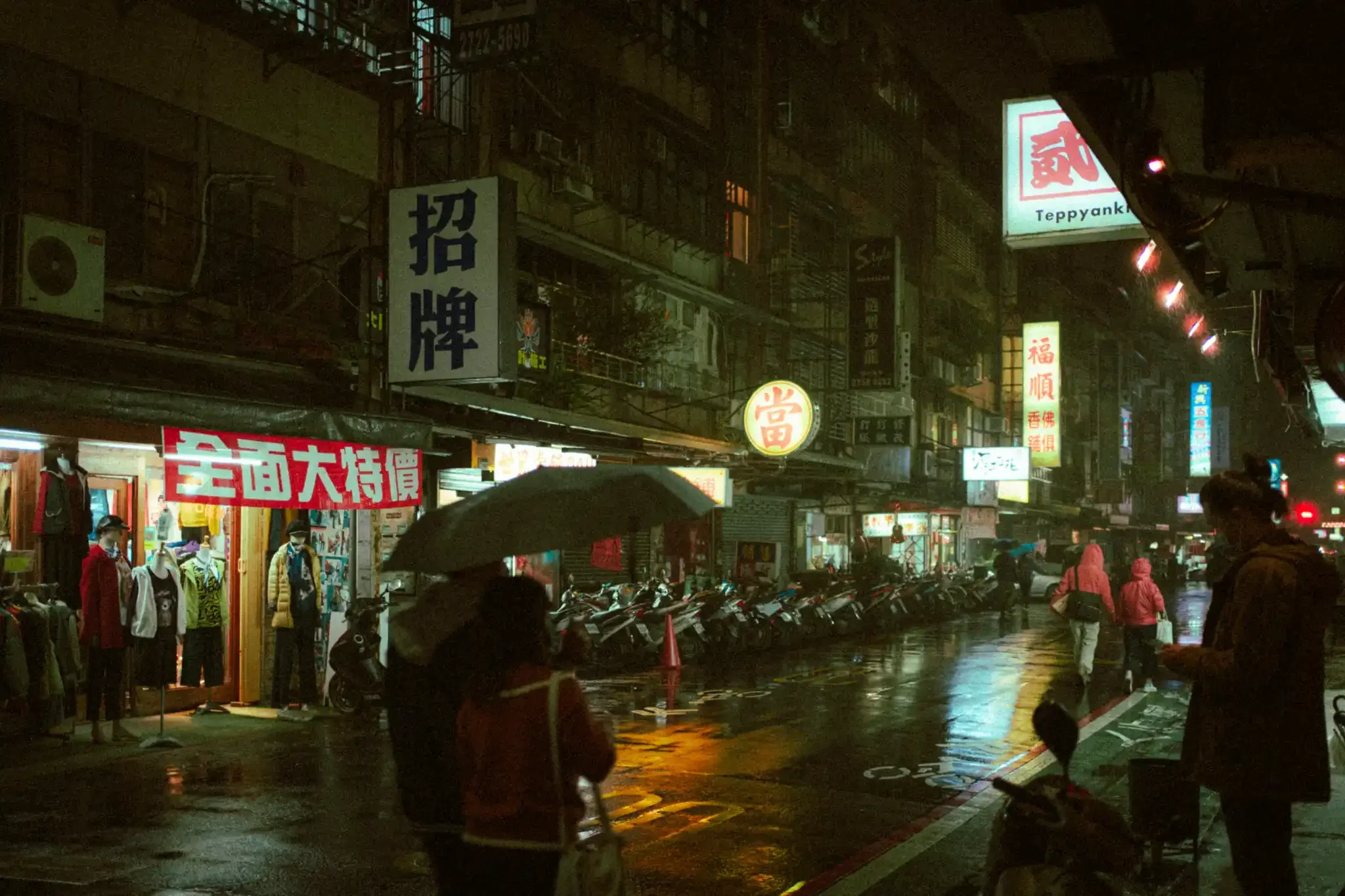
Neon Grunge is the one I use most at night. It was made for the case that breaks most acid-green presets: warm tungsten light or a direct flash. There are four presets, a Fisheye and a Classic version, each with a warm-light and a cool-light grade, plus a Halation Brush. Warm is for sodium streetlights, flash and tungsten interiors. Cool is for shade, blue hour and mixed neon. Pick the one that matches your light and you'll need much less colour correction.
Grain and punchy colour: Lomography Color Negative 800
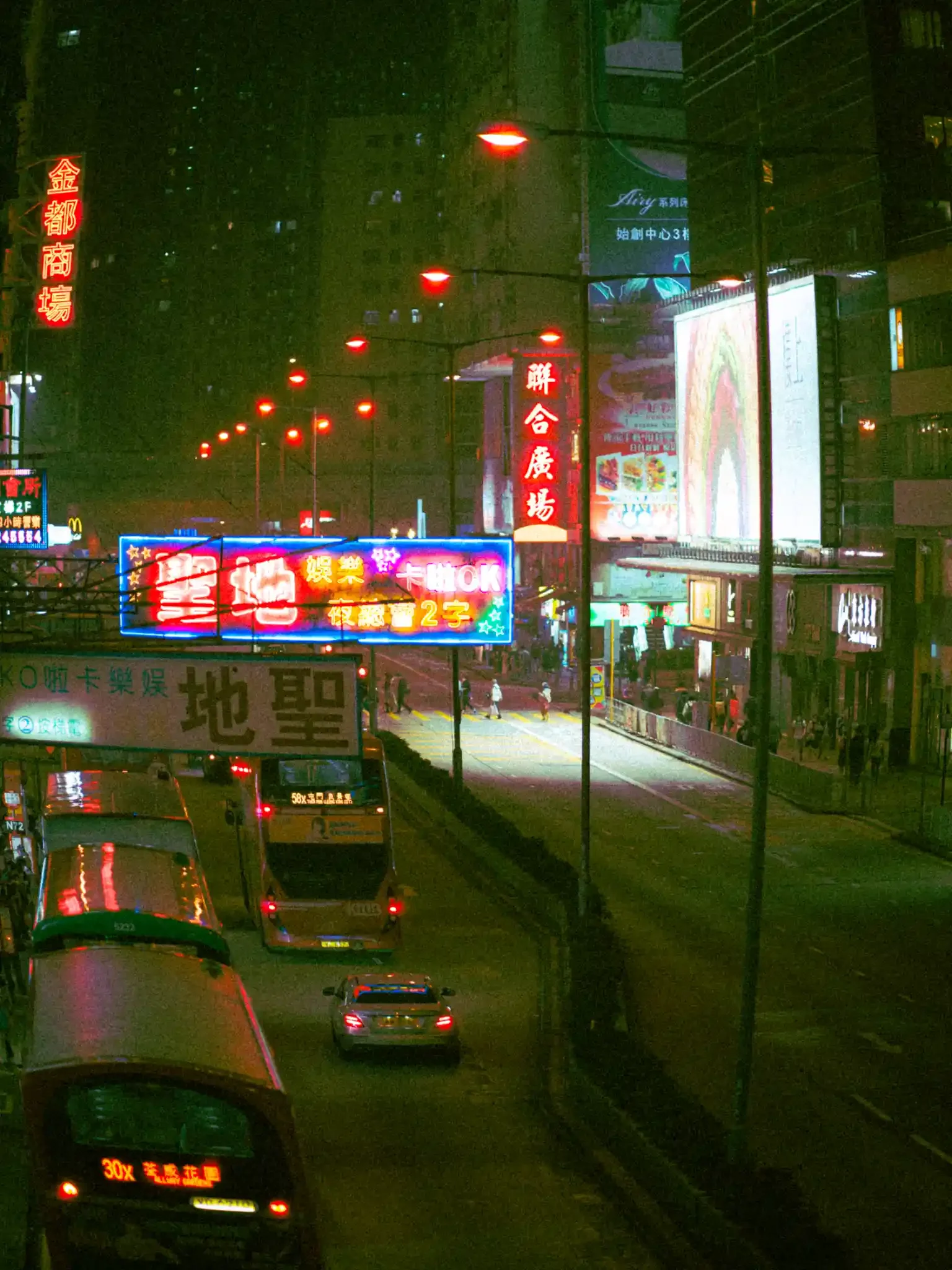
If you like grain, saturated reds and yellows and a slightly rough high-ISO feel, try Lomography Color Negative 800. It keeps the blues moody while the reds and yellows pop, which suits neon and city streets. It also works on daylight travel photos if you want the same energy.
City moods: Cinematic Pack
The Cinematic Pack has five looks named after cities, and a few of them are made for night. NYC Night has deep, moody greens and strong shadows. Detroit Cold is icy blue-green, good for rainy nights and empty industrial streets. Boston Warmth is for tungsten interiors and warm street scenes. For rain, Detroit Cold is the one to try first. My Madrid After Dark post has some of my own rainy-night photos.
Can't decide?
The Night Photography Bundle puts six night looks in one download so you can try them on the same photo: CineStill 800T, Kodak Vision3 500T, Suibo 500T, Reflx Lab 800T, Lomography X-Pro and Cinematic New York, plus a bonus Fish Eye Grunge preset. Suibo 500T is the one described for rain-soaked city scenes.
After you apply a preset
Check the exposure first. A dark file will go muddy whatever preset you use. Then fix the white balance for the main light source before judging the colour, pull the brightest highlights down a little so the neon keeps its shape, and look at skin tones, which turn green quickly under mixed light. If you use a Halation Brush, paint it only over the real light sources.
All the presets are .XMP files, so they work in Lightroom Classic, Lightroom desktop and mobile, and Camera Raw. If you're new to presets, start with How to Use Lightroom Presets Like a Pro.
Quick answers
Which preset is best for neon signs?
For cool shadows and a glow around the lights, the CineStill 800T preset with the Halation Brush. For acid-green neon under warm light, Neon Grunge.
Can I use night presets in daylight?
Some. Lomography Color Negative 800 is described as working on daylight travel photos too. The 800T leans cool in daylight, so for daytime scenes the 50D and 400D in the CineStill Pack are the safer choice.
Do they work on mobile?
Yes, in Lightroom mobile and desktop, and in Lightroom Classic and Camera Raw.
Is there a Black Friday discount?
Yes: all my presets are 25% off from 27 to 30 November 2026. See the Black Friday page for details.
