Sunny streets, punchy reds and the clean, fine-grain look of real Kodak Ektar 100 film.
This preset is free. Add it to your cart, check out at €0 and your download link arrives by email.
This preset is inspired by the look of Kodak Ektar 100, so colour and contrast follow the film's character rather than a generic "vibrant" filter. The first image compares real Ektar 100 film with the digital preset. The rest are before and after pairs from the streets of Hong Kong.
WHAT IT DOES:
True, punchy reds: red taxis, lanterns, railings and signs come alive without turning orange.
Clear blue skies and clean whites: daylight scenes stay crisp and bright.
Warm sunlight, deep shadows: strong, contrasty light with that sunny analog glow.
Fine grain and sharp detail: like ISO 100 film, it keeps textures in buildings and streets clean.
Believable skin tones: saturated, but people still look natural.
BEST FOR: sunny days, street and travel photography, colourful cities, architecture and landscapes.
QUICK TIPS:
Apply the preset, then adjust Exposure and White Balance to your scene.
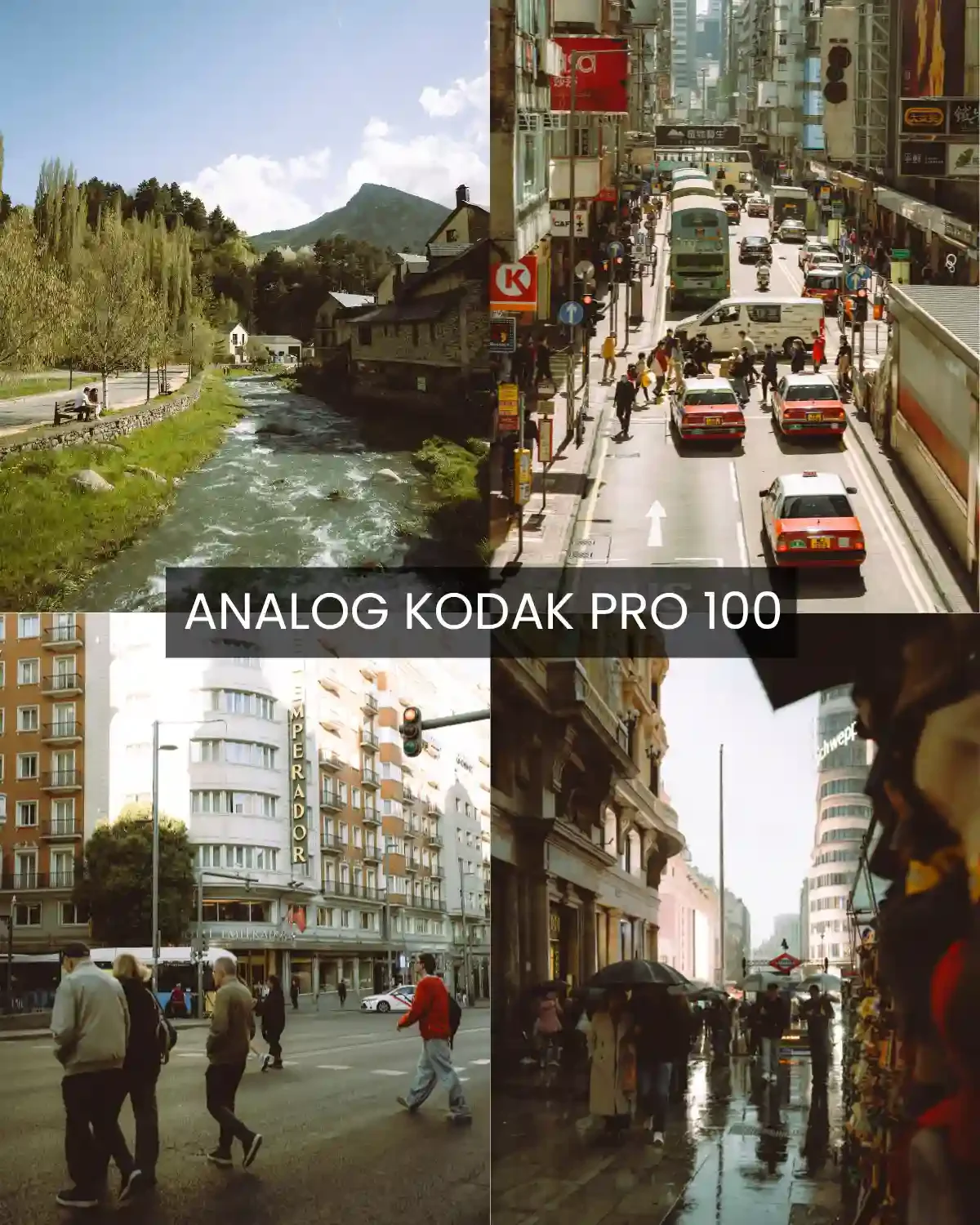
Ektar is a saturated look: if skin tones get too warm, lower the Orange saturation slightly.
Ektar loves light. For shade, overcast days or portraits, try Kodak Pro 100 or Portra 400.
PART OF THE KODAK FILM BUNDLE: get Ektar 100 together with Portra 400, Pro 100 and Vision3 500T in the KODAK FILM BUNDLE.
SHOOTING AT NIGHT? For neon signs, rain and street lights, try the CINESTILL PACK.
COMPATIBILITY: works with Lightroom Classic, Lightroom (desktop and mobile) and Adobe Camera Raw in Photoshop.
Want more? Join the newsletter in the footer for news and a 10% code for your first order.
Not affiliated with or endorsed by Kodak and CineStill. Film names are used only to describe the look.
NEW TO PRESETS? Read my step-by-step guide: How to Use Lightroom Presets.
Please note that depending on the light conditions of your images, your camera settings and personal style, these presets may need to be slightly adjusted (exposure, shadows, grain).
NEED HELP CHOOSING? Visit the FAQ for more information.
© 2026 Copyright
All products sold are copyrighted and redistribution or commercial use is prohibited. The products sold are for personal use only.
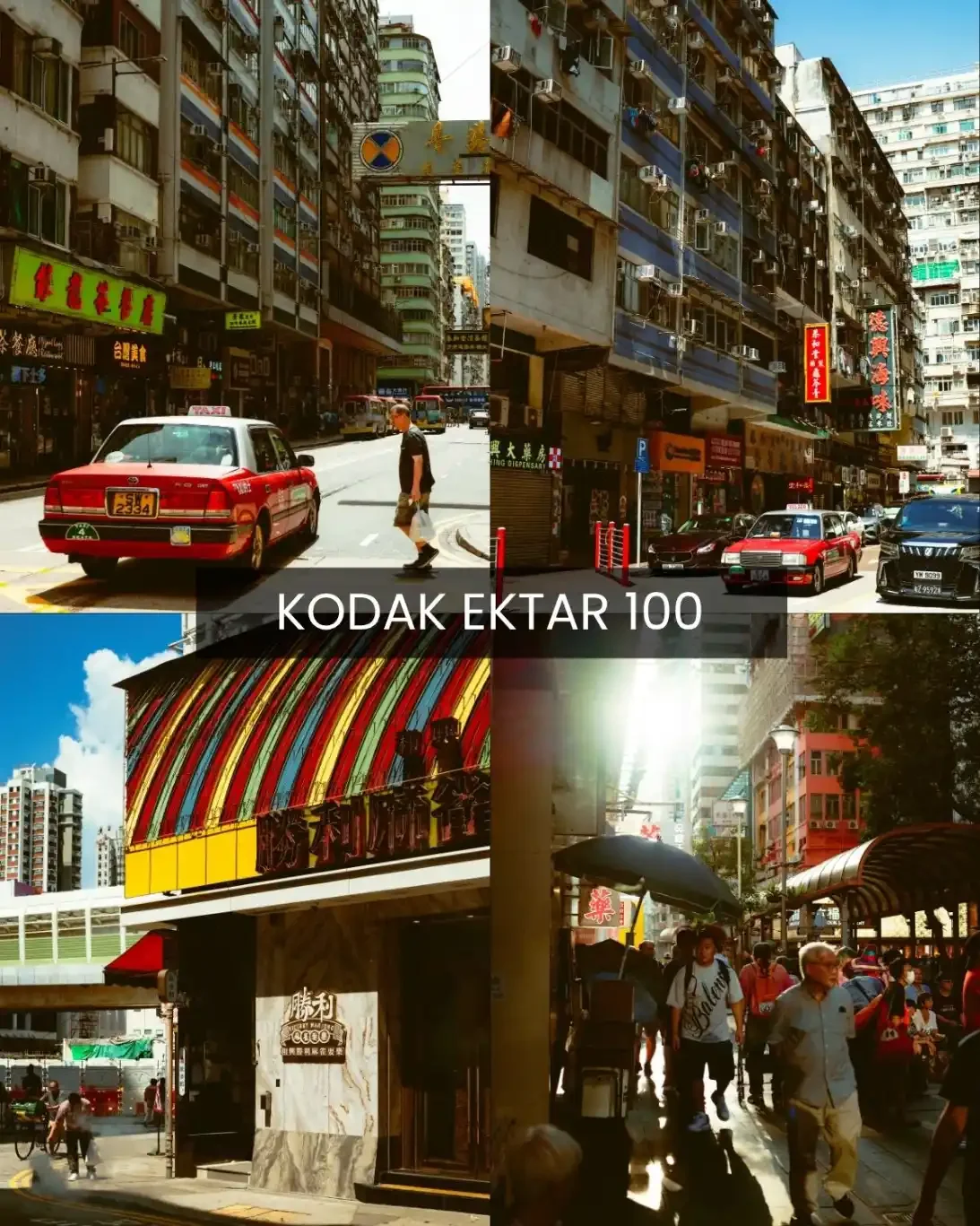 Image 1 of 20
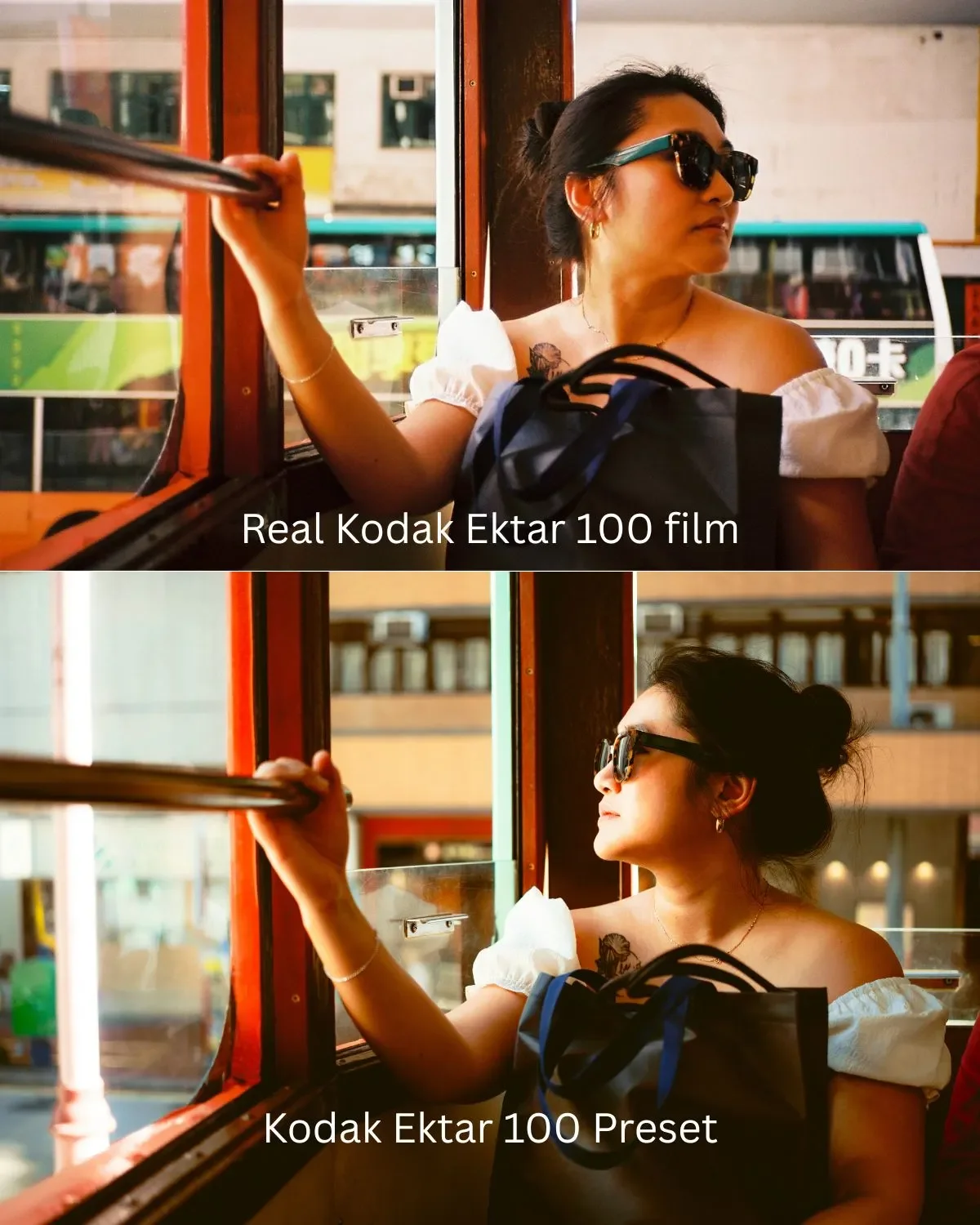 Image 2 of 20
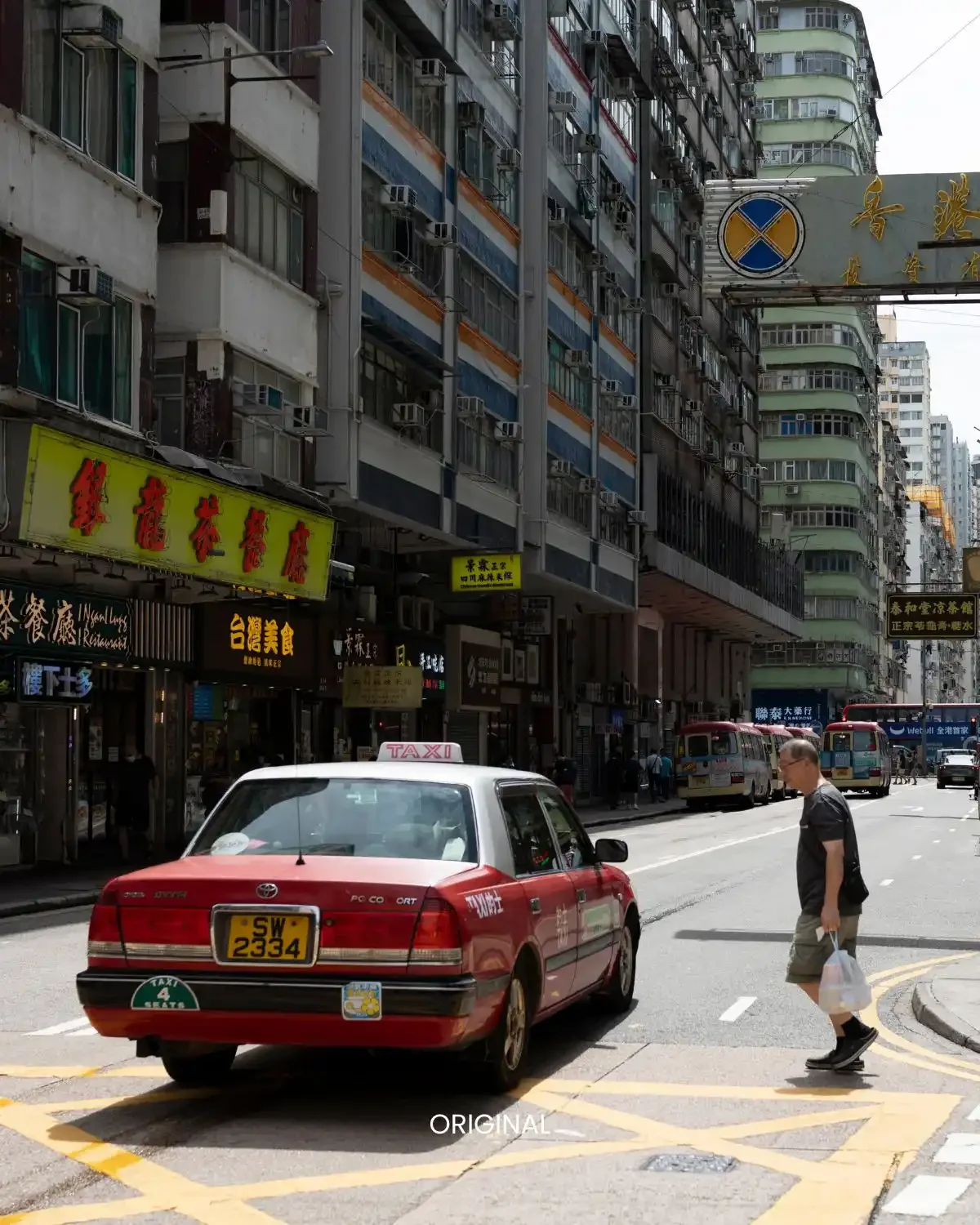 Image 3 of 20
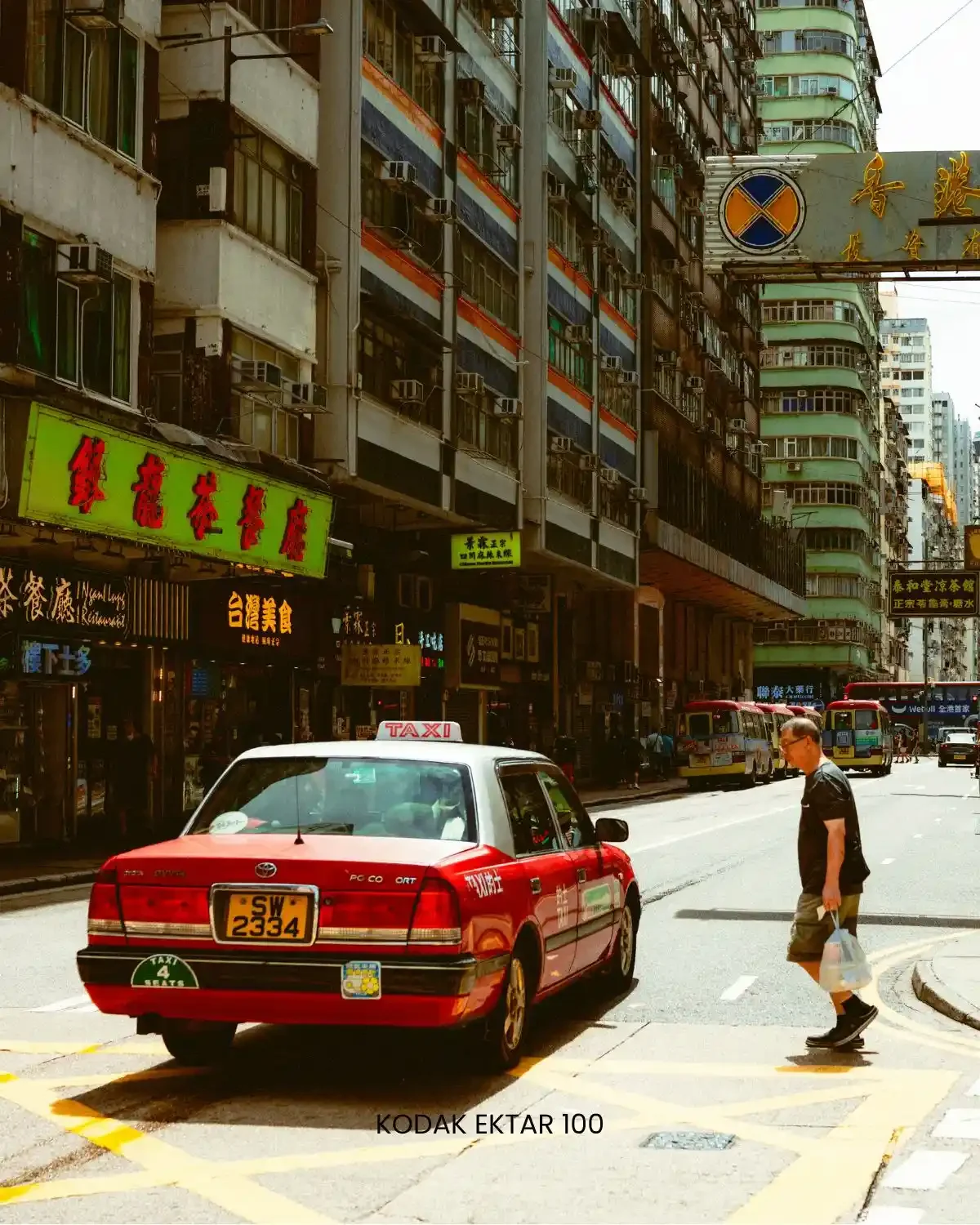 Image 4 of 20
 Image 5 of 20
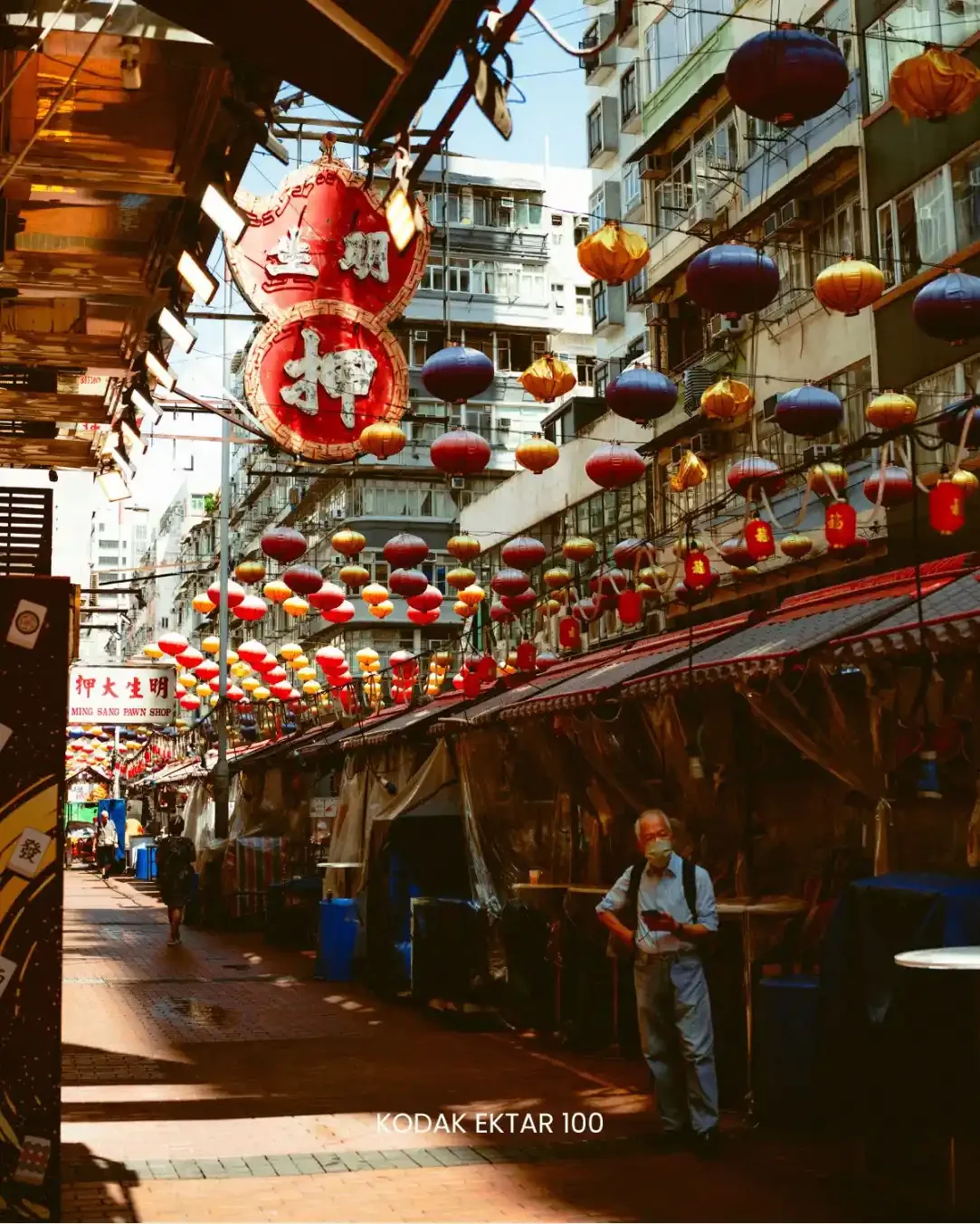 Image 6 of 20
 Image 7 of 20
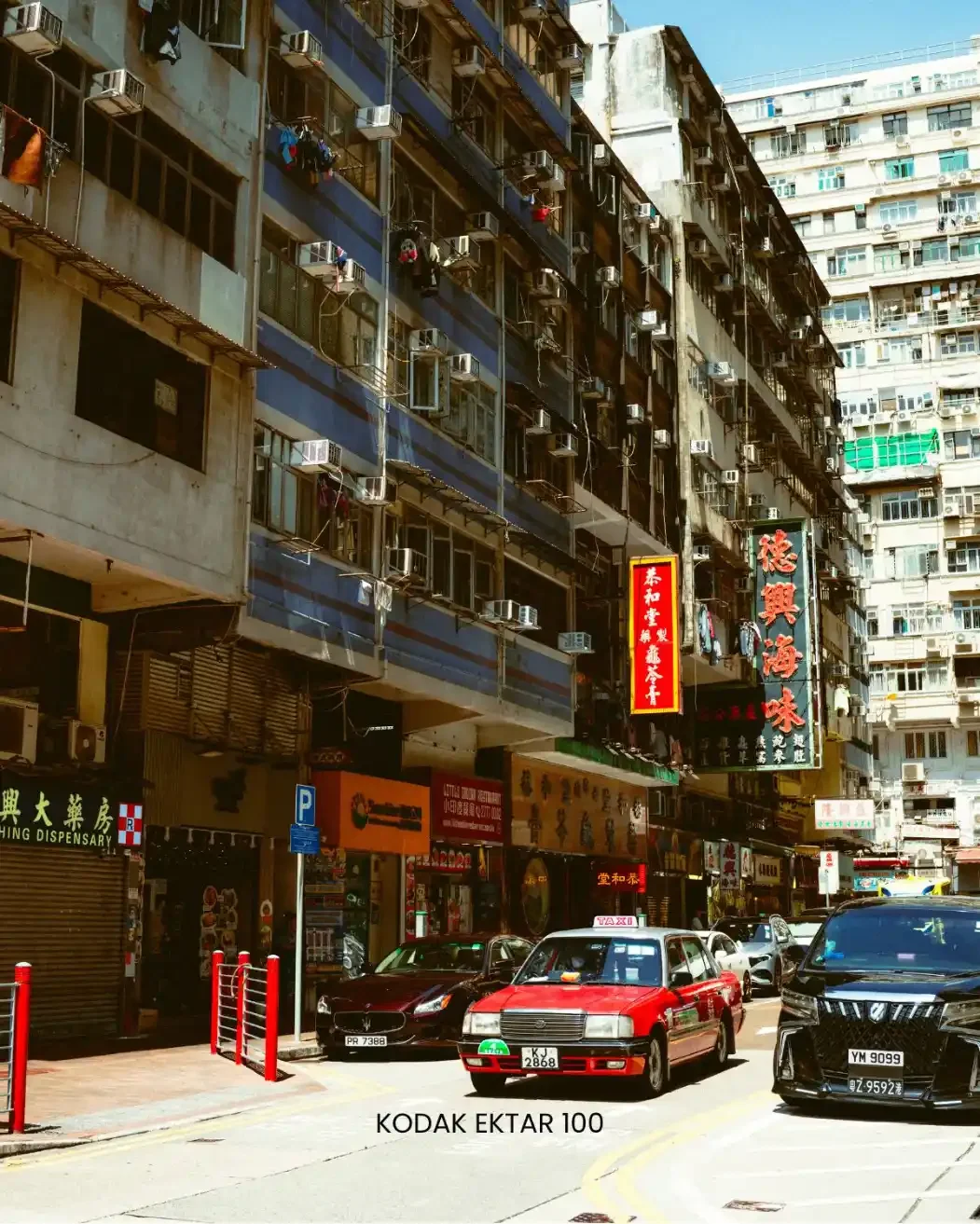 Image 8 of 20
 Image 9 of 20
 Image 10 of 20
 Image 11 of 20
 Image 12 of 20
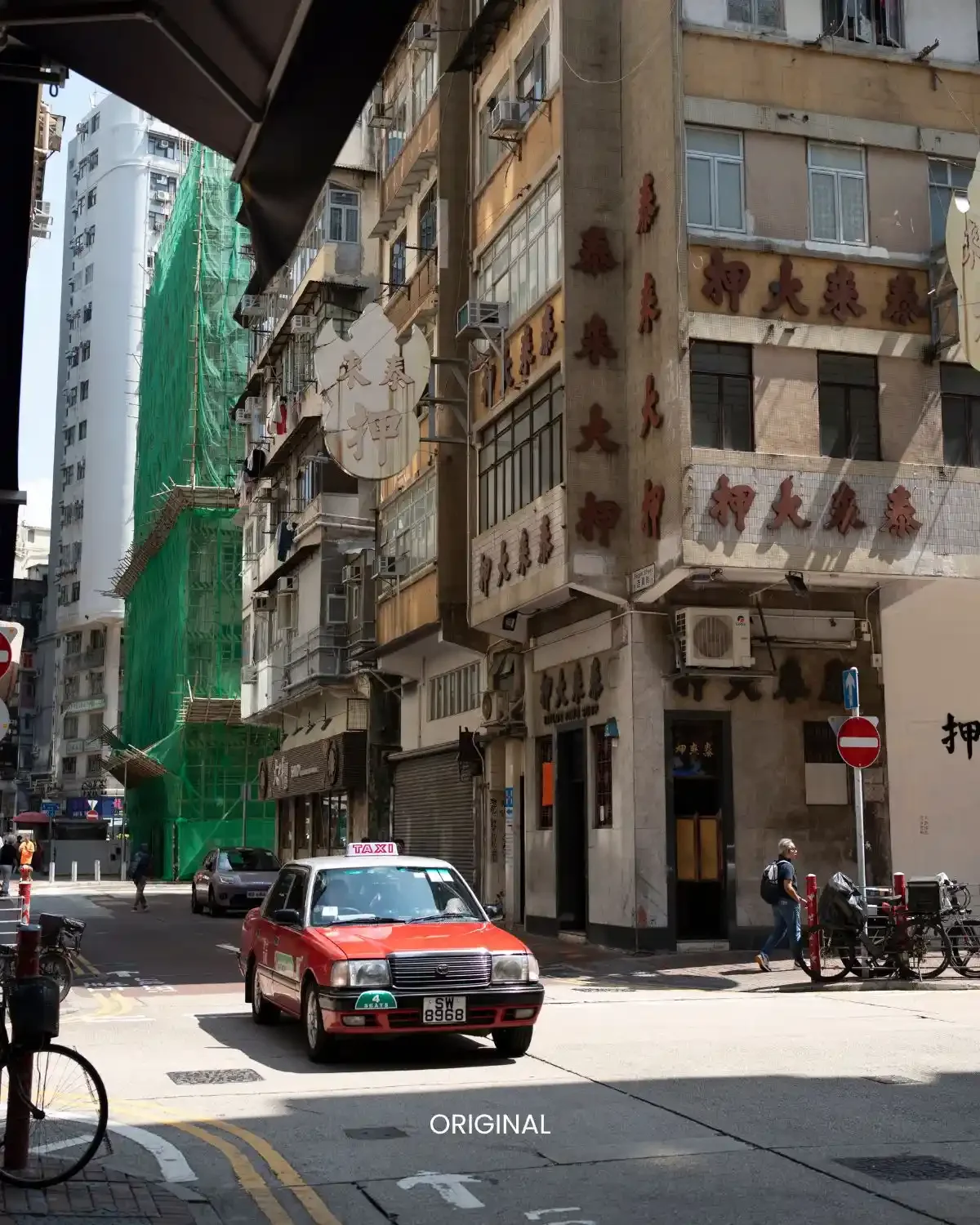 Image 13 of 20
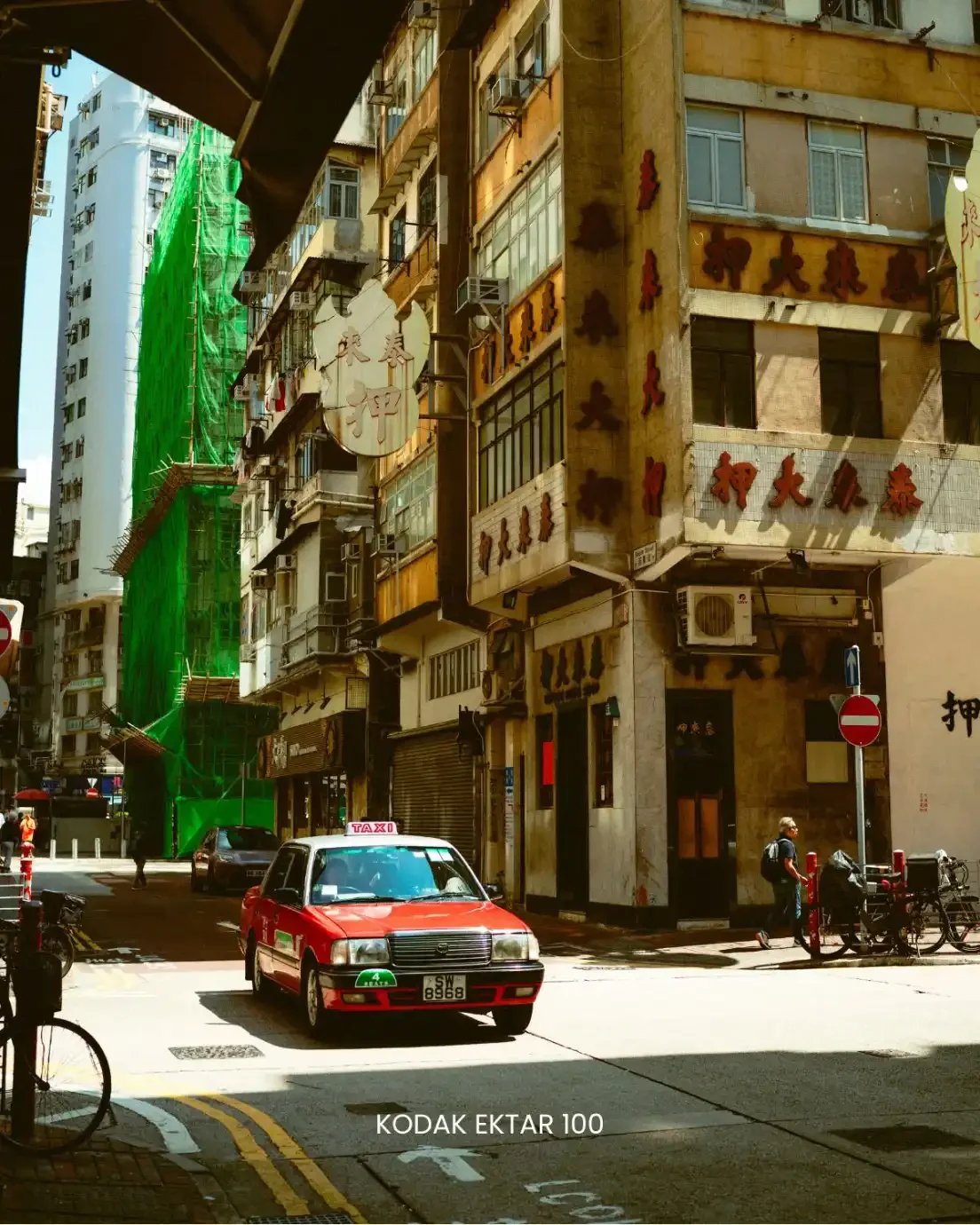 Image 14 of 20
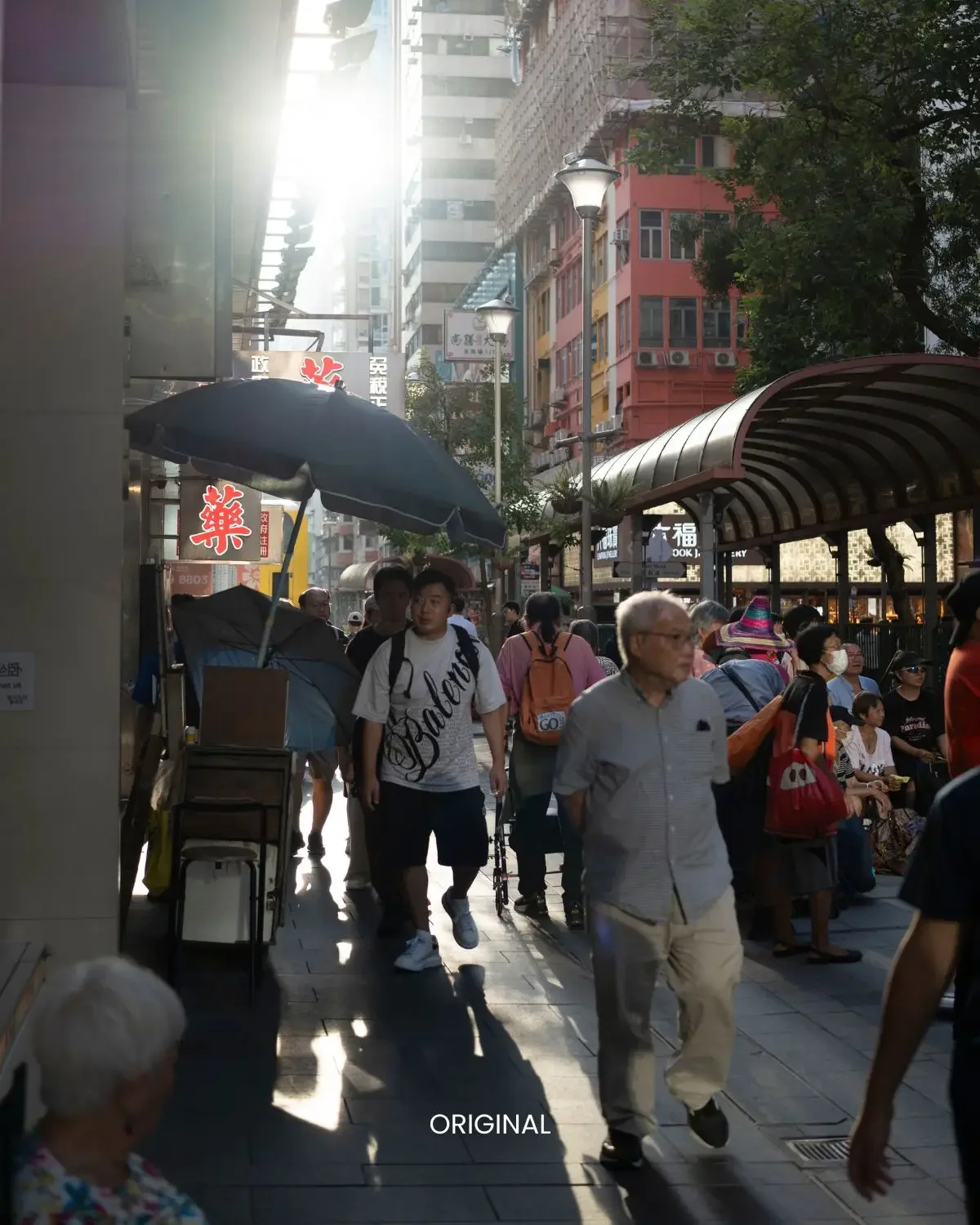 Image 15 of 20
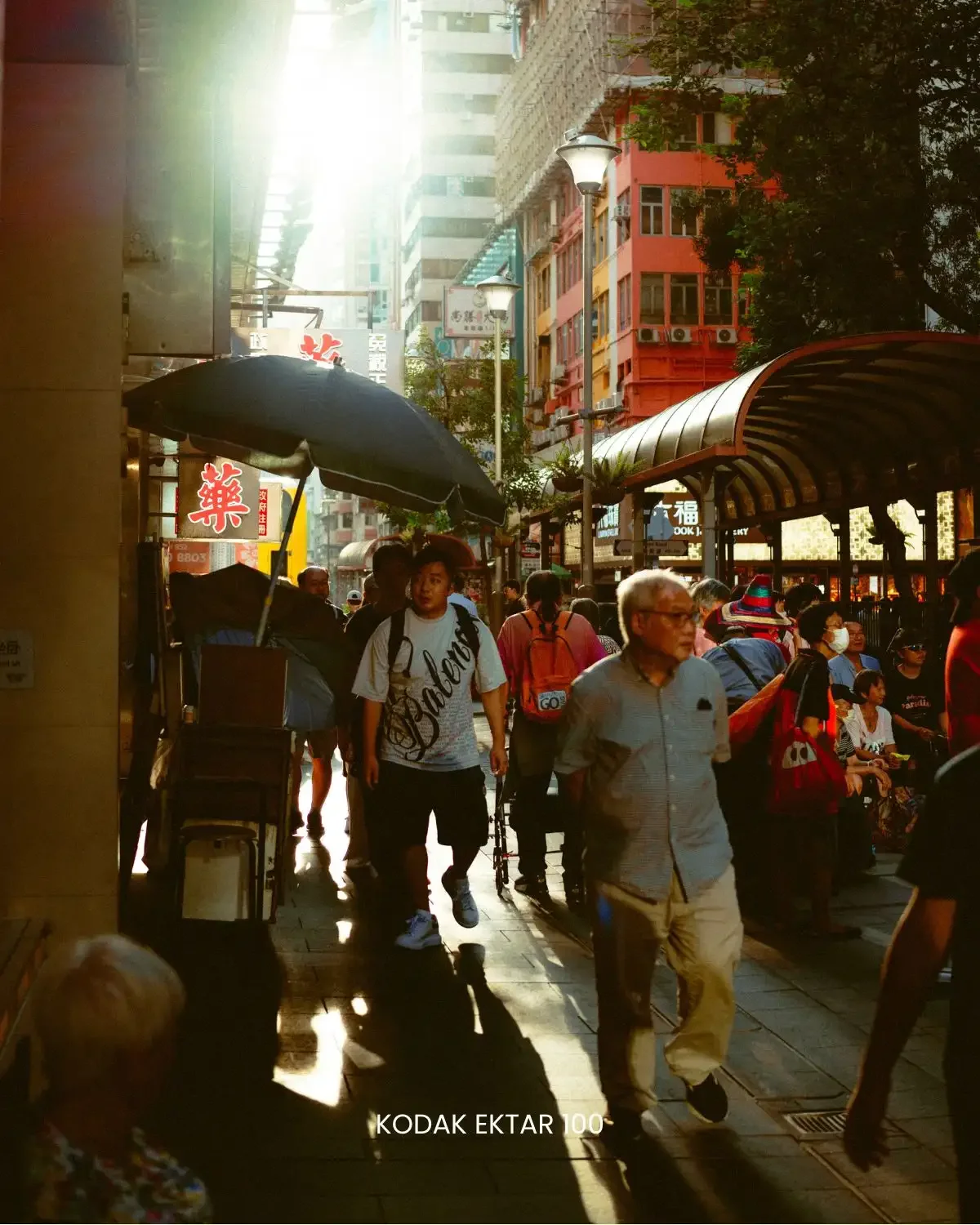 Image 16 of 20
 Image 17 of 20
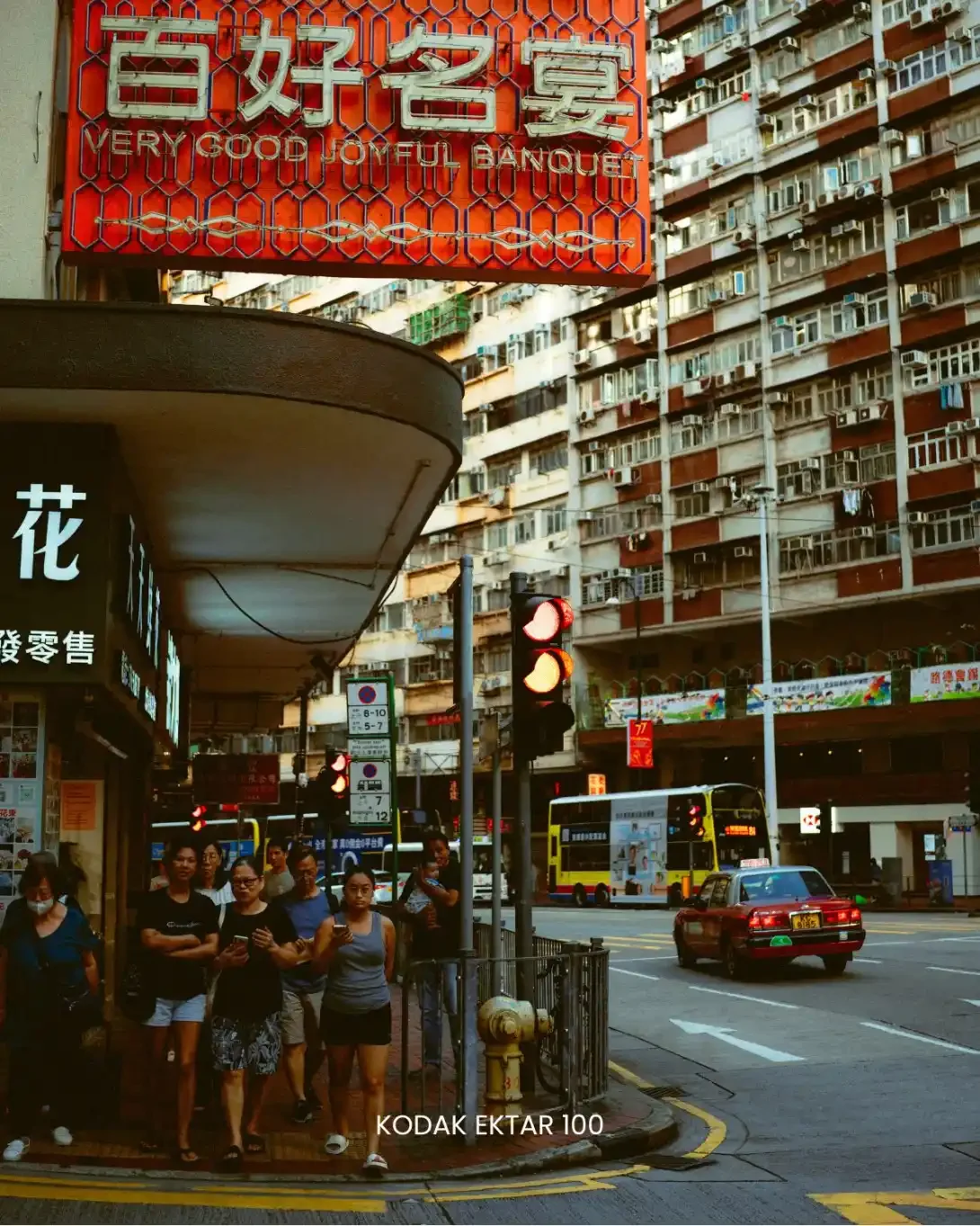 Image 18 of 20
 Image 19 of 20
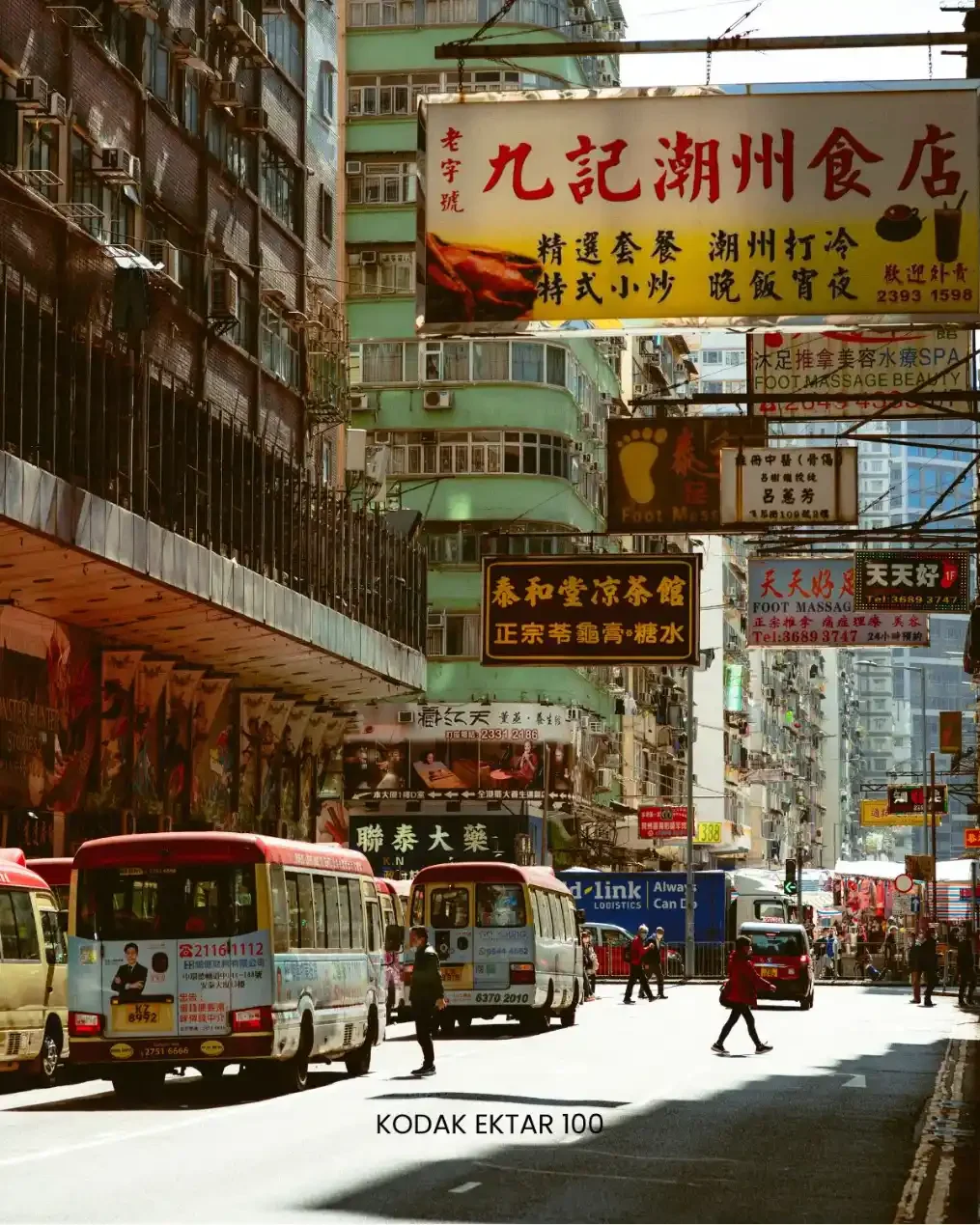 Image 20 of 20